
1
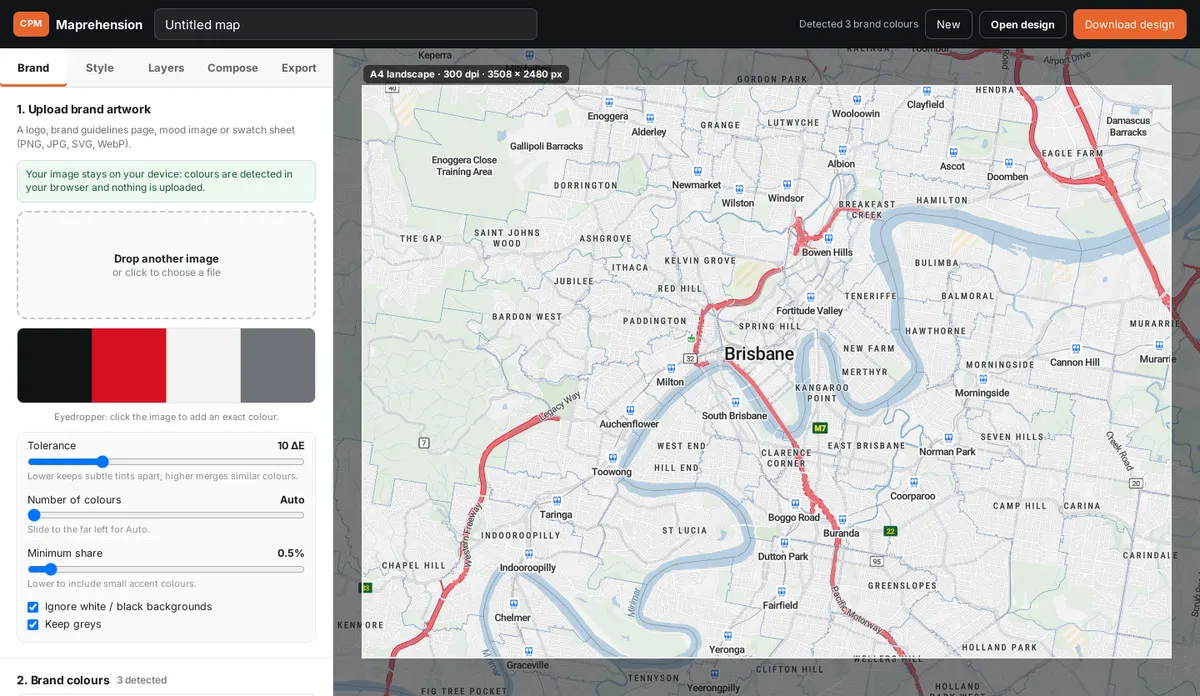
Upload your brand
Drop in a logo, a style guide page or a swatch sheet. Maprehension finds the brand colours in your browser. Tweak the tolerance, or use the eyedropper to grab an exact colour.
Free from CPM · Commercial Property Marketing
Upload your brand, we detect the colours and style the map. Fine-tune it, drop your site and radius rings, then export a print-ready map for the IM, the brochure or the signboard.
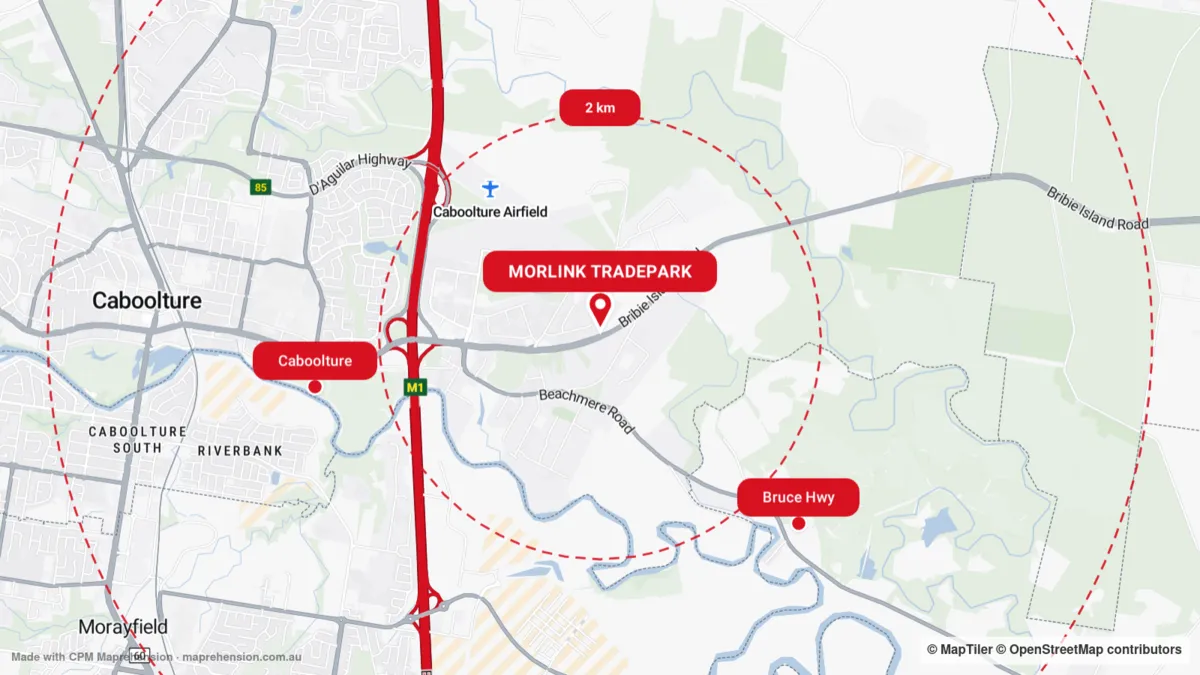 Styled from a logo in under a minute
The problem
You know the drill. The IM is due Friday, the brand is navy and burnt orange, and the map looks like every other map on the internet. So you screenshot something, trace it, recolour it, fight the labels, and lose an afternoon to a thing nobody will thank you for.
We do property marketing for a living, so we lost a lot of afternoons. Then we got sick of it.
So we fixed it
Three steps from a brand file to a print-ready map. No design degree, no GIS, no swearing at your screen.
Drop in a logo, a style guide page or a swatch sheet. Maprehension finds the brand colours in your browser. Tweak the tolerance, or use the eyedropper to grab an exact colour.
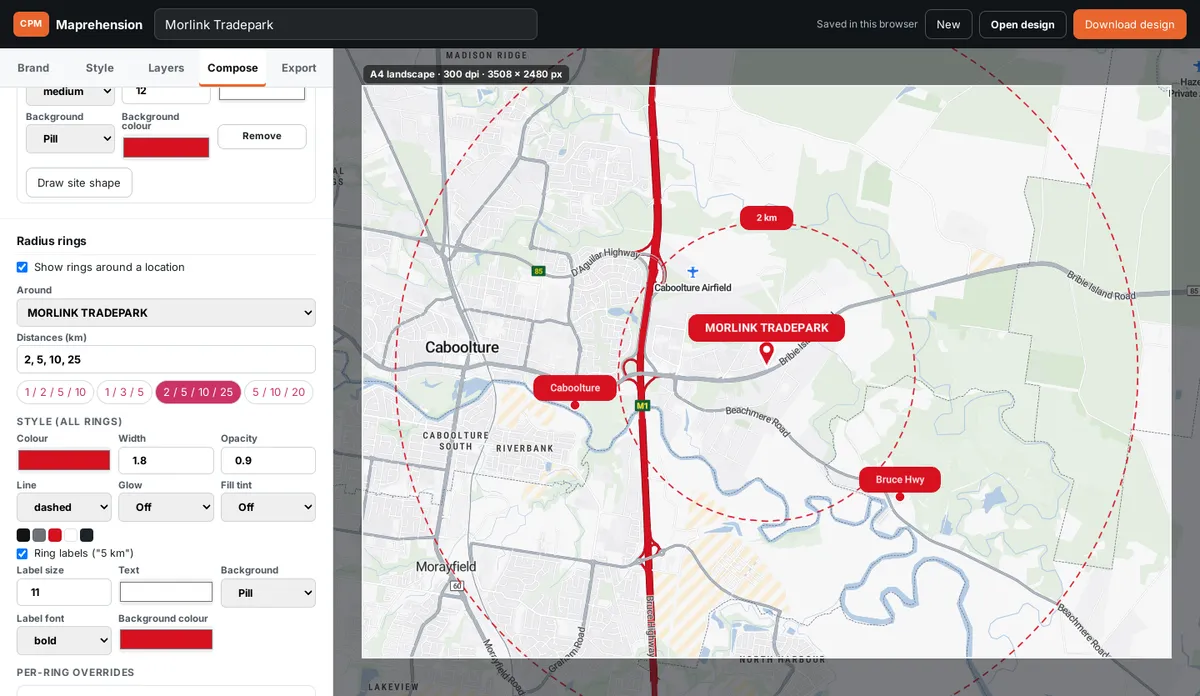
Choose from six styles generated from your palette, then fine-tune every colour. Add the site pin and outline, nearby places and radius rings. Show or hide labels, POIs and 3D buildings.
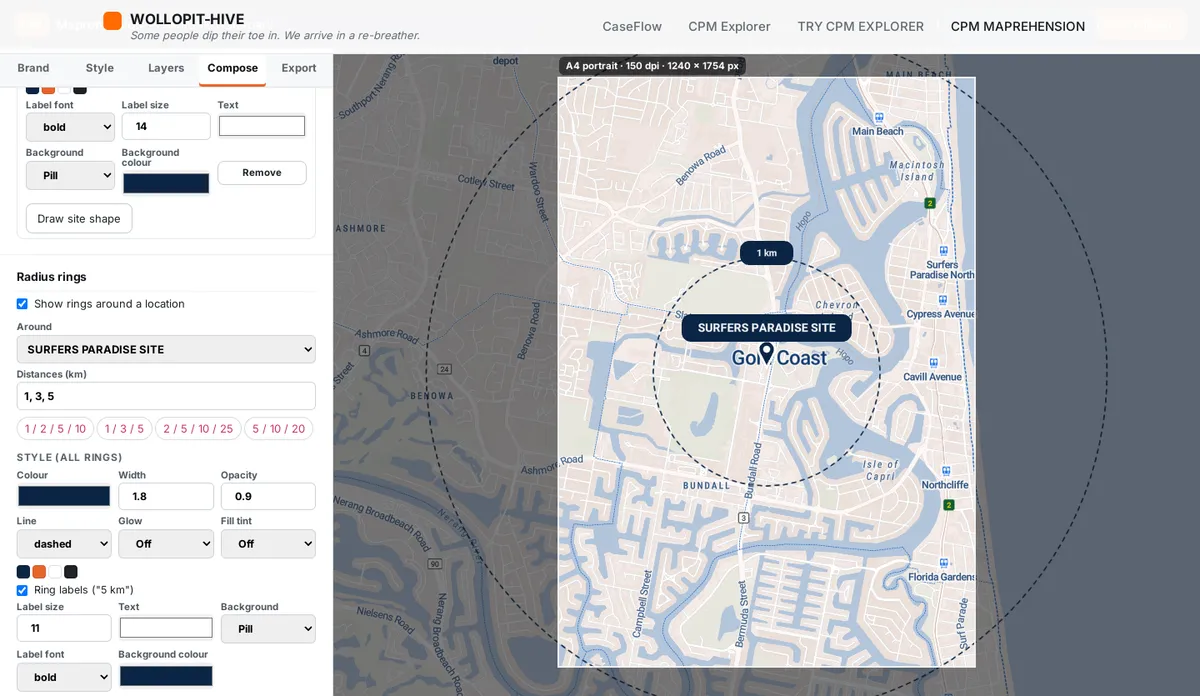
Frame it for A4 or A3 at up to 300 dpi, or for social and screens. Download a crisp PNG or JPG, with labels and lines scaled for print, not squinting.
What it does
Finds your brand colours, including small accents, with tolerance, colour count and minimum-share controls, plus an eyedropper.
Light, dark, muted, bold accent, brand tint and brand land, each built from your palette with readable labels.
Show or hide place names, road names, POIs, water names, parks, rail and boundaries. 2D footprints or 3D buildings.
A subject-site pin and drawn outline, nearby places with labels, and styled radius rings at the distances you choose.
A4 and A3 frames at up to 300 dpi, plus 16:9, square and social sizes. PNG or JPG, or overlays only on a transparent PNG.
Colour detection happens in your browser. Nothing is uploaded, nothing is stored, no account needed.
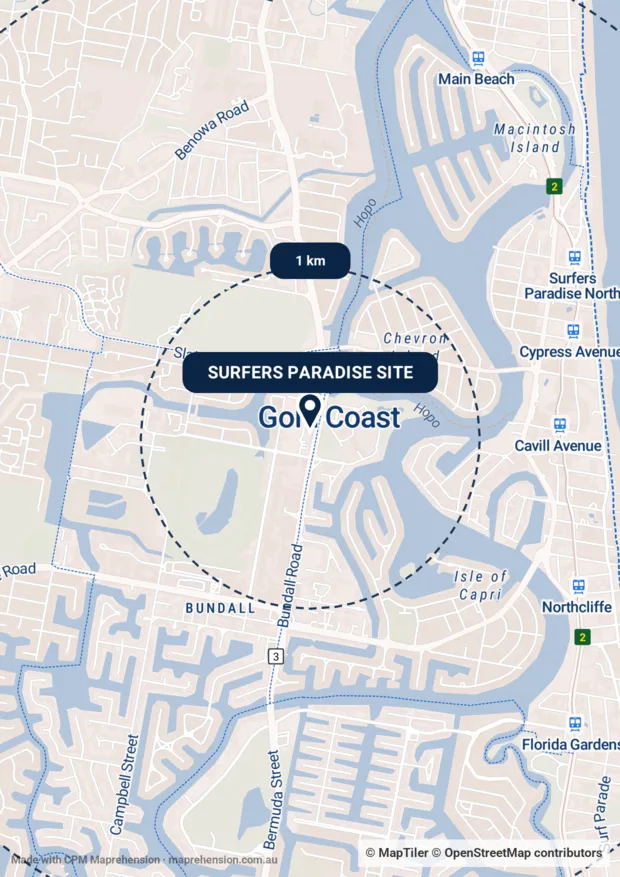
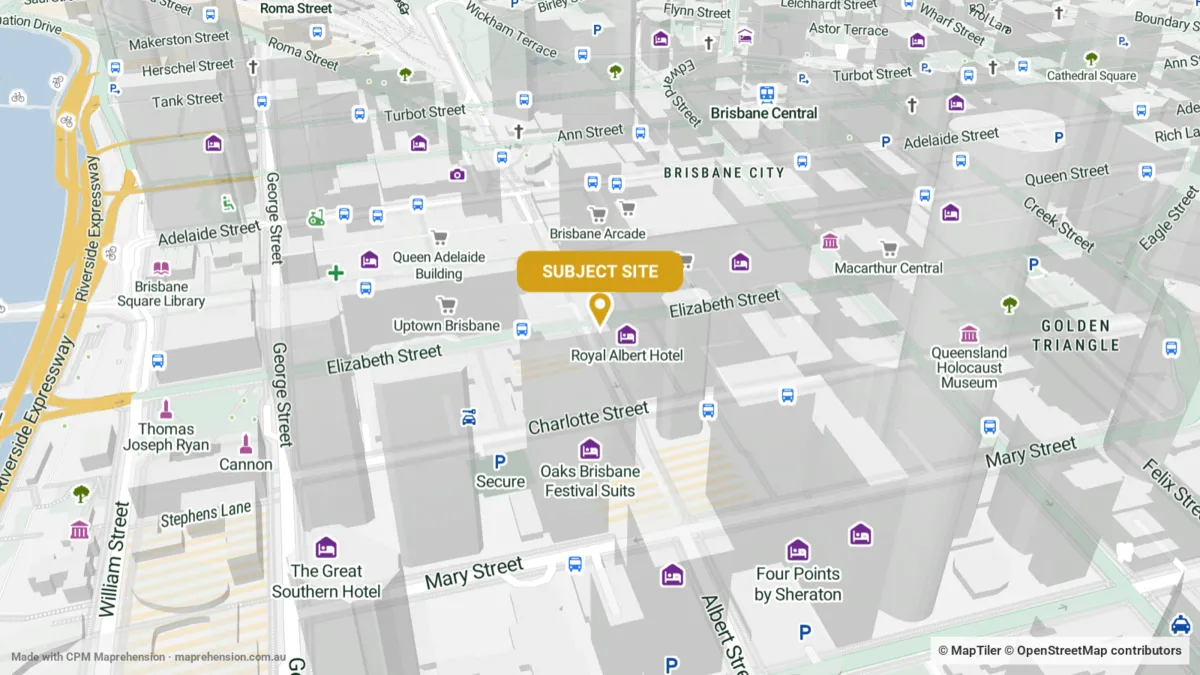
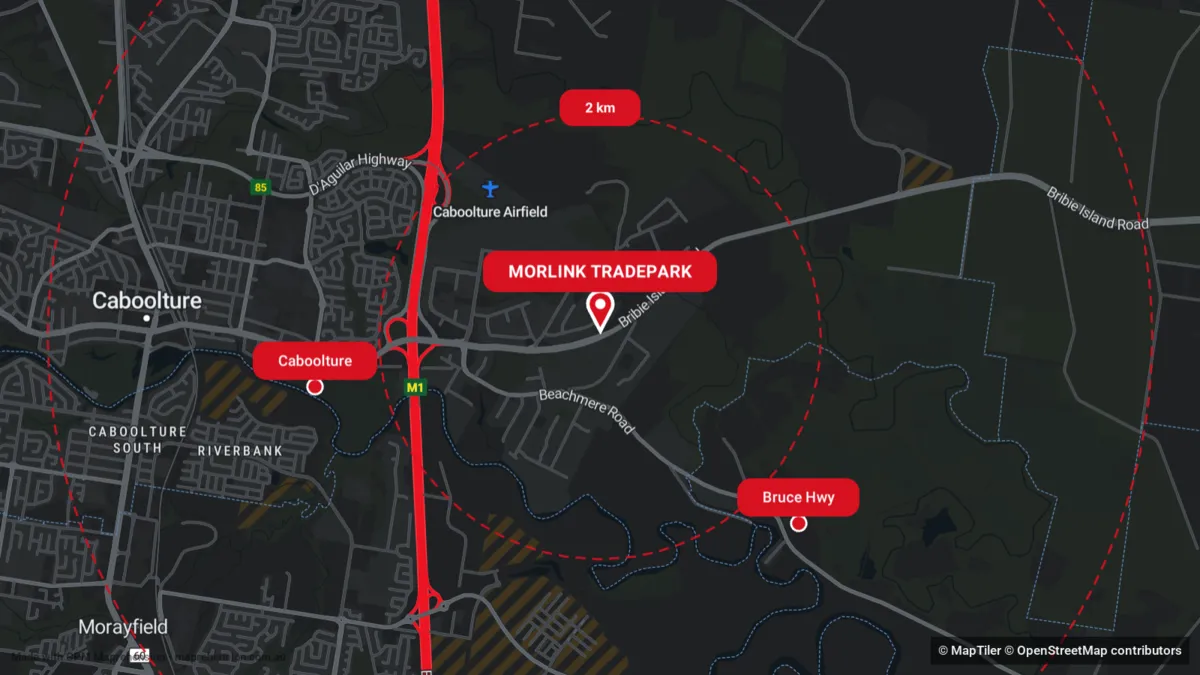
Made with Maprehension
Why it’s free
We’re Commercial Property Marketing. We built Maprehension for our own IMs and brochures, and figured the rest of the industry was losing the same afternoons. So it’s free.
Open the studio, drop in your logo and see your brand on a map in under a minute.
Open the map studio